Dreame · Model L10s Pro
Dreame L10s Pro replacement parts
Editor: Feroz Sheikh · Updated · How we verify
Every relationship below is tied to a reviewed source and the manufacturer identifier when one is published. Source-only catalog labels are marked separately.
Filter by part: main brushall
Compatible parts and evidence
Official L10s Ultra roller page lists L10s Pro.
Search results · No separate OEM number published. Match the exact model, kit contents and region; a search result does not confirm fit.
Parts and official sources
| Part | Identifier | Verdict | Source |
|---|---|---|---|
| L10s Ultra roller brush | L10s roller | Fits | Official source |
Exact model and evidence scope
This page applies to Dreame L10s Pro, model code L10s Pro. It summarizes 1 reviewed replacement part relationship from 1 manufacturer source. Current region scope: US. Similar product names are not treated as the same model.
Before fitting this replacement part
- Match the exact model code and manufacturer SKU before ordering.
- Follow the manufacturer installation guide.
Other models using the sourced part
These links are based on the same exact catalog part, not visual similarity.
- Dreame L10s Ultra (L10s Ultra)
- Dreame L20 Ultra (L20 Ultra)
- Dreame X40 Ultra (X40 Ultra)
- Dreame L10s Plus (L10s Plus)
- Dreame X30 Ultra (X30 Ultra)
- Dreame L10s Pro Ultra (L10s Pro Ultra)
Questions for Dreame L10s Pro
Is one sourced row enough to assume the whole family fits?
No. The verdict applies only to the exact SKU and model relationship shown above.
How do I confirm my model?
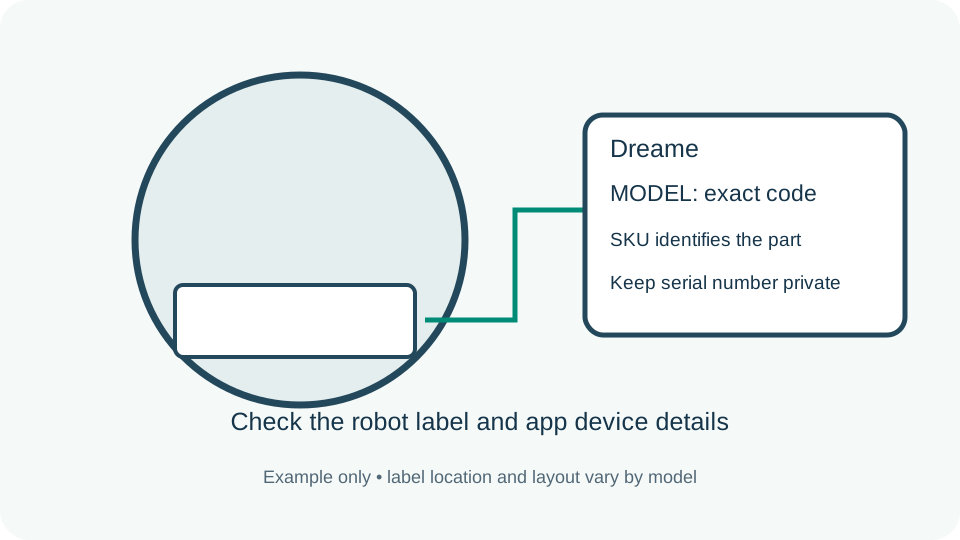
Use the nameplate or app device page and match L10s Pro. A nickname or seller title is not sufficient.
What if my local SKU differs?
Treat it as Not confirmed until the manufacturer lists that regional code.
Report a wrong fit for this model
Maintenance and replacement schedule
| Part | Clean / inspect | Replace |
|---|---|---|
| Main brush | Follow this exact model manual | No fixed interval verified for this exact model |
No universal replacement calendar is assumed for this robot. Use its current manufacturer manual and in-app reminders; a fixed interval is not verified here. Replace a damaged user-serviceable part according to manufacturer guidance.
How to read replacement intervals · Manufacturer error and troubleshooting guides
Remind me to check my parts
Choose a personal check interval. Inspect condition and follow your manual before replacing anything.