Find the Ecovacs Deebot Robot Model Number
Editor: Feroz Sheikh · Updated · How we verify
Copy the full DEEBOT N, T or X family and every Omni, Pro, Max or Plus suffix from the app or underside label.
Where Ecovacs says the serial number is
- Serial number on the box:
Serial numbers are printed on the original product box, usually on the narrow side.
Ecovacs: What's the serial number? Where can I find it? - Serial number on the robot:
It's either on the bottom or remove the dustbin and look inside the robot.
Ecovacs: What's the serial number? Where can I find it?
The Ecovacs page is about the serial number, which identifies one unit. Use it to find the label, then copy the model name or code printed on the same label or shown in the Ecovacs Home app.
Look-alike names with separate part records
These catalog entries share most of their name but are recorded as different models. Copy the complete name and suffix from your label, then open the exact page; do not borrow a verdict from a neighbouring entry.
| Look-alike models | Catalog codes |
|---|---|
| Deebot N20, Deebot N20 Plus | N20, N20 Plus |
| Deebot N20 Pro, Deebot N20 Pro Plus | N20 Pro, N20 Pro Plus |
| DEEBOT N8, DEEBOT N8+ | N8, N8+ |
| DEEBOT N8 PRO, DEEBOT N8 PRO+ | N8 PRO, N8 PRO+ |
| Deebot NEO 2.0, Deebot NEO 2.0 Plus | NEO 2.0, NEO 2.0 Plus |
| Deebot T30S Pro, Deebot T30S Pro Plus | T30S Pro, T30S Pro Plus |
| DEEBOT T8, DEEBOT T8+ | T8, T8+ |
| DEEBOT T9, DEEBOT T9+ | T9, T9+ |
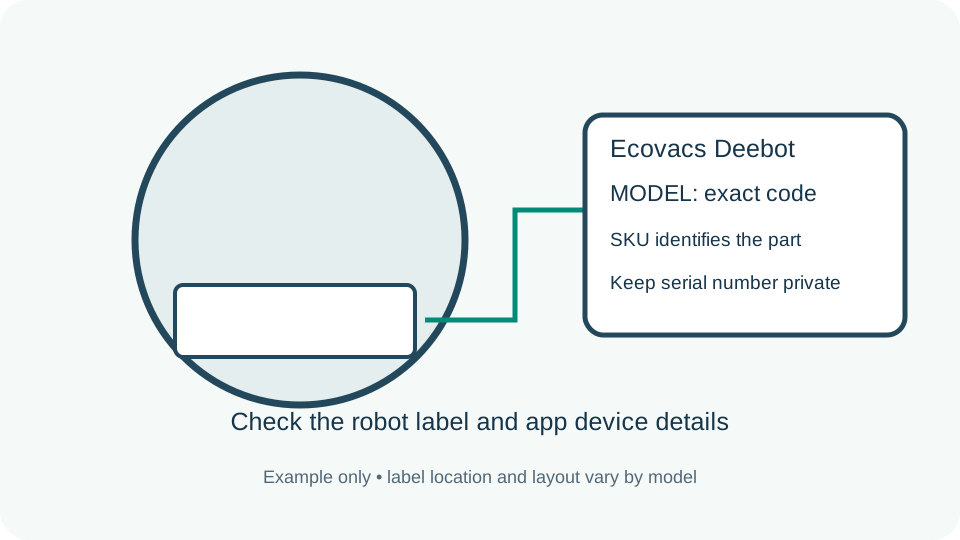
Copy the robot identity
Power the robot down by its manual before handling it. Read the product model on its label and compare it with the device details in its app. Keep the complete code and every suffix. A serial number identifies one individual unit, so keep it private; it is not the model to put in a public parts search.
Check the dock separately
A Plus or Ultra bundle can include a station with its own model number. A used robot may have been paired with another base. Copy the station label separately when checking a bag, station filter or charging accessory. The robot name alone cannot resolve a dock mismatch.
Keep generations apart
Dust bags follow the station family, while brushes, filters and mop pads follow the exact robot list published for that accessory.
Find the replacement item
A manufacturer item number identifies a specific original part or bundle. A descriptive component label without a published item number stays a catalog label. A retail barcode is a separate identity and should not be inferred from the robot code or seller title.
When the label is unclear
Use the manufacturer support route if the physical label and app disagree. For a correction photograph, crop to the relevant model or part text and obscure serial numbers, addresses and account details. Record which surface the label came from rather than substituting a similar model found in a search.
Browse exact Ecovacs Deebot models · All brand identification guides