Where is my robot vacuum model number?
Editor: Feroz Sheikh · Updated · How we verify
Use the product model, not a serial number or the nickname used by a seller. Check the robot underside label after powering the device down safely, then compare the device details in its app. Label placement varies; the drawings below show what to copy, not the exact label position on every robot.
Write down three separate identities
- The full robot model, including Combo, Max, Pro, Plus, Ultra, Hybrid, Omni or generation suffixes.
- The dock model when buying bags, a station filter or charging hardware.
- The manufacturer identifier of the replacement item, if published.
A serial number identifies one unit and should be kept private. A SKU identifies a replacement item or bundle. A barcode is a separate retail identifier and is accepted only when independently sourced in the catalog. Do not publish a full serial number in a public question or a correction photograph.
Dreame
Keep the complete D, L or X series name, including Plus, Pro, Ultra and Gen 2. Similar Dreame names do not establish a shared kit.
Check the component list inside an official maintenance kit; a kit photo alone does not prove that every included item fits another generation.
Ecovacs Deebot
Copy the full DEEBOT N, T or X family and every Omni, Pro, Max or Plus suffix from the app or underside label.
Dust bags follow the station family, while brushes, filters and mop pads follow the exact robot list published for that accessory.
eufy
Use the complete RoboVac or Omni name, such as X10 Pro Omni, E25 or E28, and match the accessory product code on eufy's official page.
Nearby E-series or Omni names are not interchangeable by default; the official compatible-model list must name the robot.
iRobot Roomba
Copy the full Roomba family and suffix, including Combo and +. A j7+, Combo j7+ and j9+ can use different filters, pads, batteries or Clean Base parts.
Treat the dock name and robot name as separate identifiers; a bag can fit the station without fitting every robot sold with a similar base.
Narwal
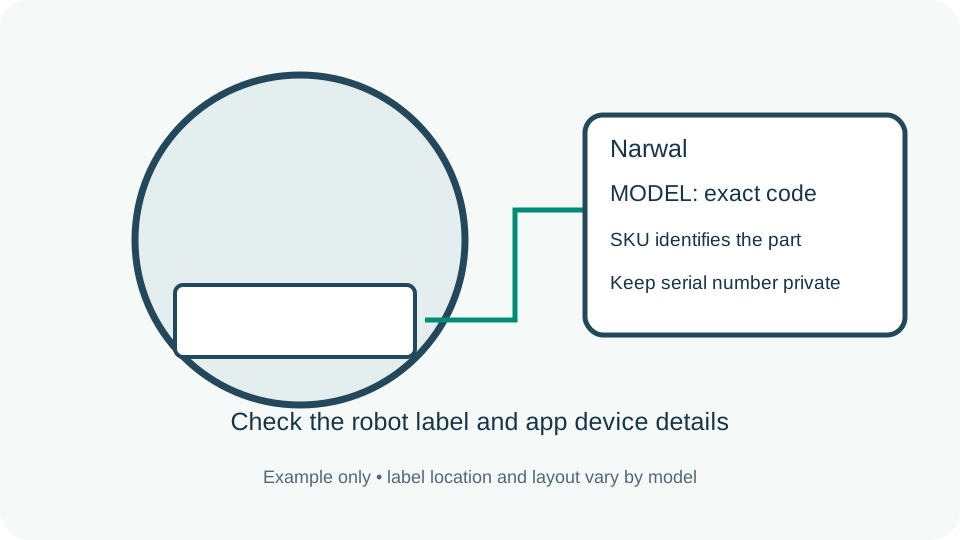
Keep the full Freo Z or X family name and every Ultra, Plus or Pro suffix. Narwal often publishes a closed Applicable to list.
Use the base-station list for dust bags and the robot list for filters and brushes; one sourced component does not prove the whole kit.
Roborock
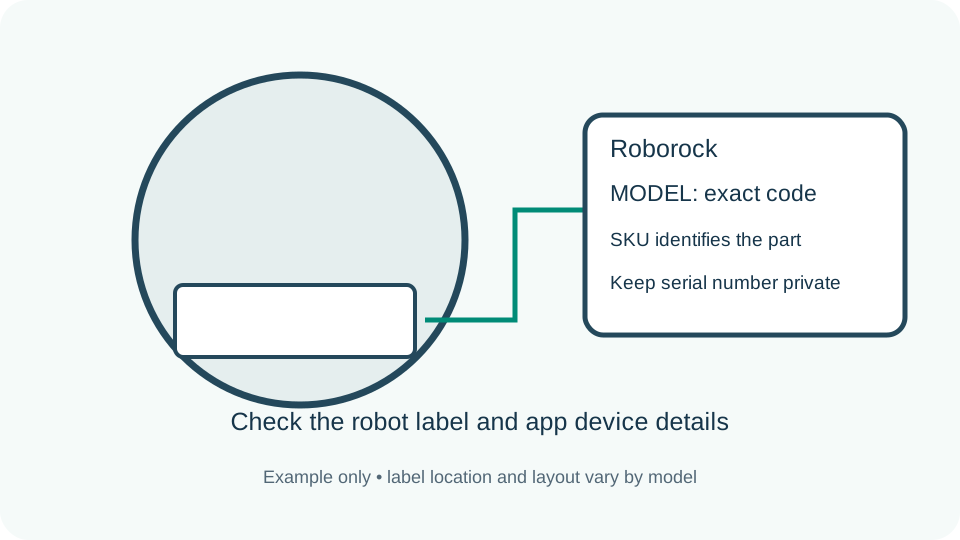
Keep every S, Q, Qrevo, Saros, Max, MaxV and Ultra term shown in the app or nameplate. Those suffixes often change rollers, mop systems and docks.
Do not carry an S7 or Qrevo fit across a nearby family unless the official accessory page lists both exact models.
Shark
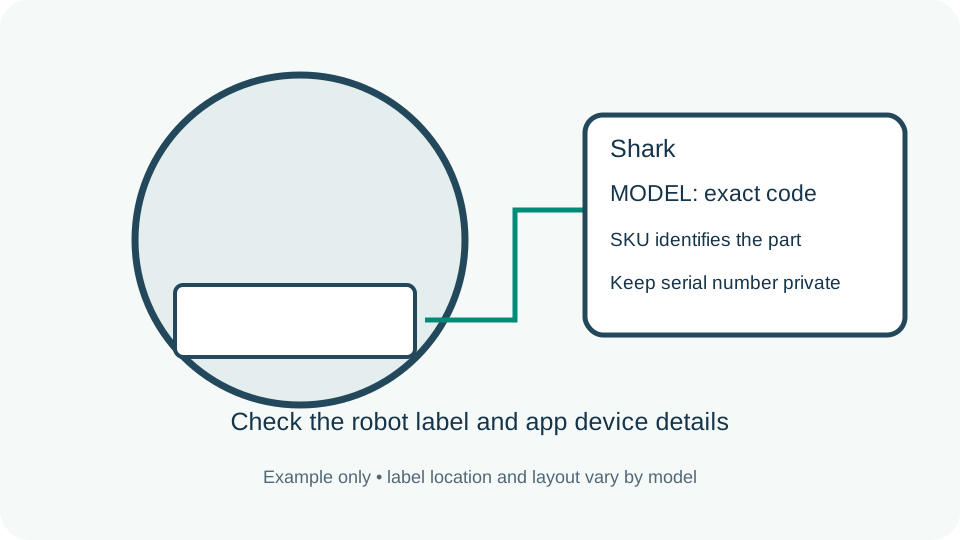
Use the printed AV, RV, QR or UR code when available. Shark marketing names can cover several hardware and regional variants.
Match the complete robot and dock code before buying a battery, dust bin, filter or self-empty base component.
Xiaomi
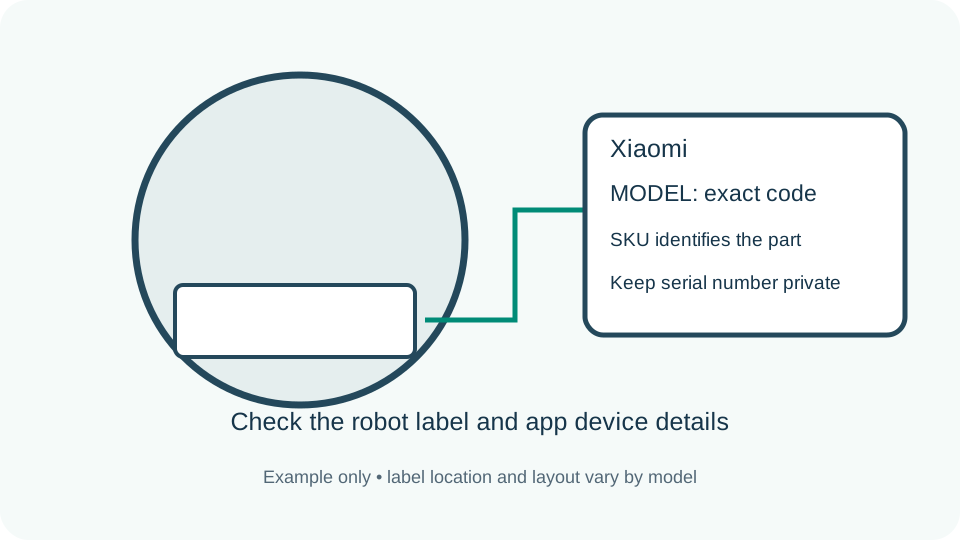
Match the exact S, E or X model and the accessory code, such as B112-ZS or B106GL-BX, on Xiaomi's regional product page.
Do not treat E10, E10C and E12 as identical unless the same official accessory specification explicitly lists each model.
Kärcher
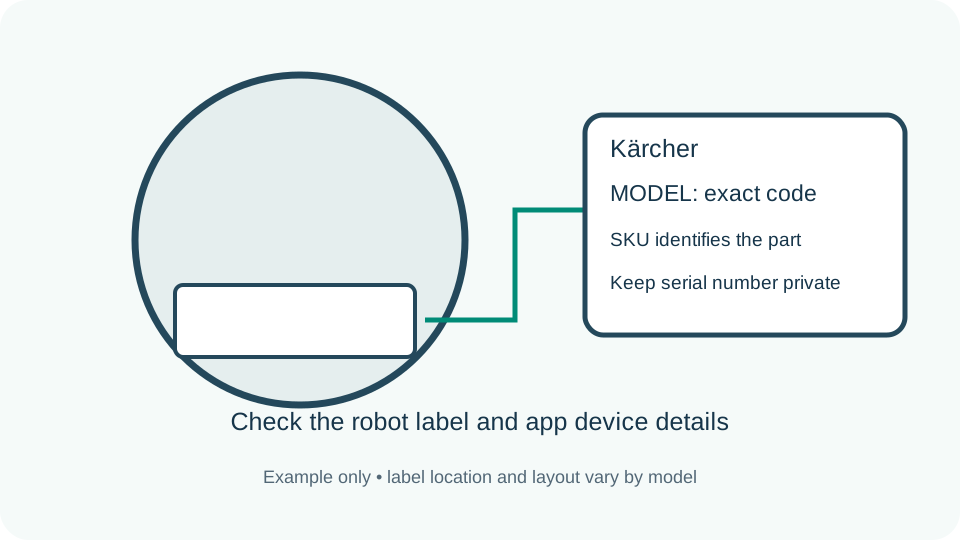
Copy the complete Kärcher robot model and its product number. RCV 2, RCV 3 and RCV 5 are distinct; do not confuse RCV with RVC.
Use accessories explicitly listed for the exact RCV model. A shared brand or similar brush shape does not establish interchangeability.
When the box and app disagree
A Plus bundle may use the same robot body as another package but include a different station. A second-hand robot may have been sold with another dock. Keep the actual label values and ask the manufacturer if they disagree; do not let an Amazon title resolve the conflict.