Can You Wash a Roomba i3, i7 or j7 Filter?
Editor: Feroz Sheikh · Updated · How we verify
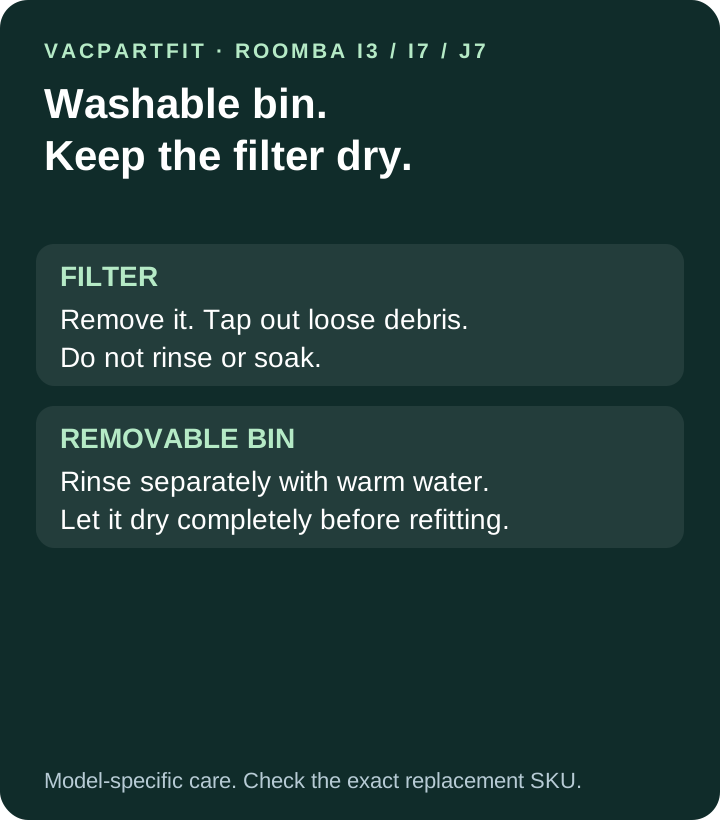
Keep the filter dry. The removable bin can be rinsed separately after the filter is removed; let the bin dry completely before reassembly.
5 min · Evidence reviewed 18 October 2026.
Quick answer
Keep the filter dry. The removable bin can be rinsed separately after the filter is removed; let the bin dry completely before reassembly. The safest next step is to match the full robot code and OEM SKU on the linked manufacturer source before ordering.
Step-by-step check
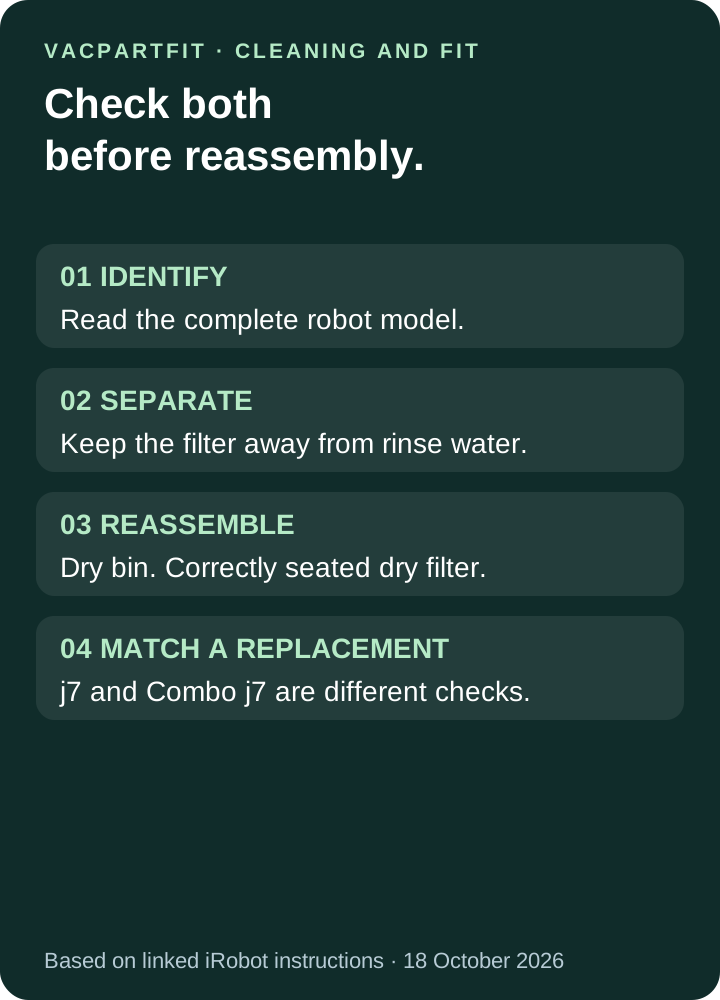
- Find the complete robot name. Keep j7 and Combo j7 separate when checking replacement parts.
- Remove and empty the bin following the model’s instructions, then remove the filter.
- Tap loose debris from the dry filter into a rubbish container. Do not rinse or soak it.
- If the bin needs washing, rinse the bin alone with warm water. Keep the filter aside and dry.
- Wait until the bin is completely dry, refit the filter correctly, and reinstall the bin.
The washable part is the bin
iRobot’s e, i and j series bin-and-filter instructions separate the two jobs: debris is tapped from the filter, while the bin can be rinsed by hand. The filter must not be washed or exposed to liquid. The same page says the bin is not dishwasher safe. A label saying “washable bin” therefore does not authorize washing everything attached to it.
Which models does this advice cover?
This guide focuses on the original Roomba i3, i7 and j7 families, including their self-emptying bundles. It uses iRobot’s e/i/j care article and the i7 maintenance guide. Do not apply the instructions to a different generation solely because its name includes Roomba. For a replacement sold by another manufacturer, check that exact part’s care instructions as well; a broad marketplace title is not proof of washability.
A simple cleaning checklist
Take the bin and filter to a suitable cleaning area before opening them, so loose dust has somewhere to go. Keep the dry filter away from the sink while rinsing the bin. The i7 maintenance guide shows the filter being pulled out by its two ends, tapped over a bin, and reinserted with the ridged grips facing outward. Its reminder that the robot will not run with an incorrectly installed filter makes reassembly part of the check, not an afterthought.
How often should the filter be cleaned or replaced?
For the i7, the manufacturer’s care table specifies cleaning once a week, or twice a week in a home with a pet, and replacement every two months. The table also says replacement frequency can vary and visible wear warrants replacement. Treat that as the i7 schedule, not a promise that every household or Roomba model has identical needs. The Combo j7 manual separately lists the same filter interval; it does not make its replacement filter interchangeable with the vacuum-only j7 filter.
j7 and Combo j7 need different replacement checks
The US iRobot filter pack 4639161 lists e, i and j series plus Combo i5/j5 compatibility, but explicitly excludes Combo j7+ and Combo j9+. This is a useful example of why a shared cleaning rule does not establish shared fit. “j series” in a shop title is not enough. Read the exclusions and the complete robot name before ordering. See our Roomba Combo versus vacuum-only parts guide for the identification check.
If you already rinsed the filter
Do not reinstall it while wet. Dry appearance alone does not prove that a nonwashable filter still performs as intended. The manufacturer’s no-liquid instruction gives no approved rinse-and-reuse procedure for these filters. The cautious next step is to match a replacement to the exact model or ask iRobot for advice about the installed part. Avoid assuming that a fixed drying time changes a nonwashable filter into a washable one.
If pickup is still weak after cleaning
The i7 guide directs owners to check the bin, filter and brushes when pickup declines. Follow those checks and confirm that the filter is seated correctly before assuming a filter purchase will solve the problem. If an error persists, use the model’s official troubleshooting instructions or support service. This article does not diagnose a motor, sensor or airflow fault remotely.
Before buying: check identity, fit and care separately
Write down three things: the full robot model, the replacement part number and the care instruction for that part. Our Roomba e/i/j filter record and filter compatibility guide help you inspect fit evidence. A filter fitting the opening, looking similar in a photo or sharing a seller keyword does not answer all three questions. If the regional listing differs, use the local manufacturer evidence instead of silently extending the US listing.
What we checked
We reviewed the manufacturer care article, the i7 maintenance table and diagrams, the Combo j7 manual and the US replacement-filter listing on 18 October 2026. We also compared repair and cleaning guides to identify where generic advice omits model or SKU boundaries. This is a source-based guide; we did not physically wash or performance-test a filter.
Before you order
- Recheck every suffix on the robot and dock.
- Open the dated source instead of relying on a search-result or marketplace title.
- If the local SKU differs, keep the relationship Not confirmed and submit the official regional page.